Business Suite (offline ERP), a free PDF Compressor, a free Favicon Generator, and a free job board — one-time $50 for the suite, everything else free.
Practical software for small business — a full ERP, two free utilities, and a free job board.
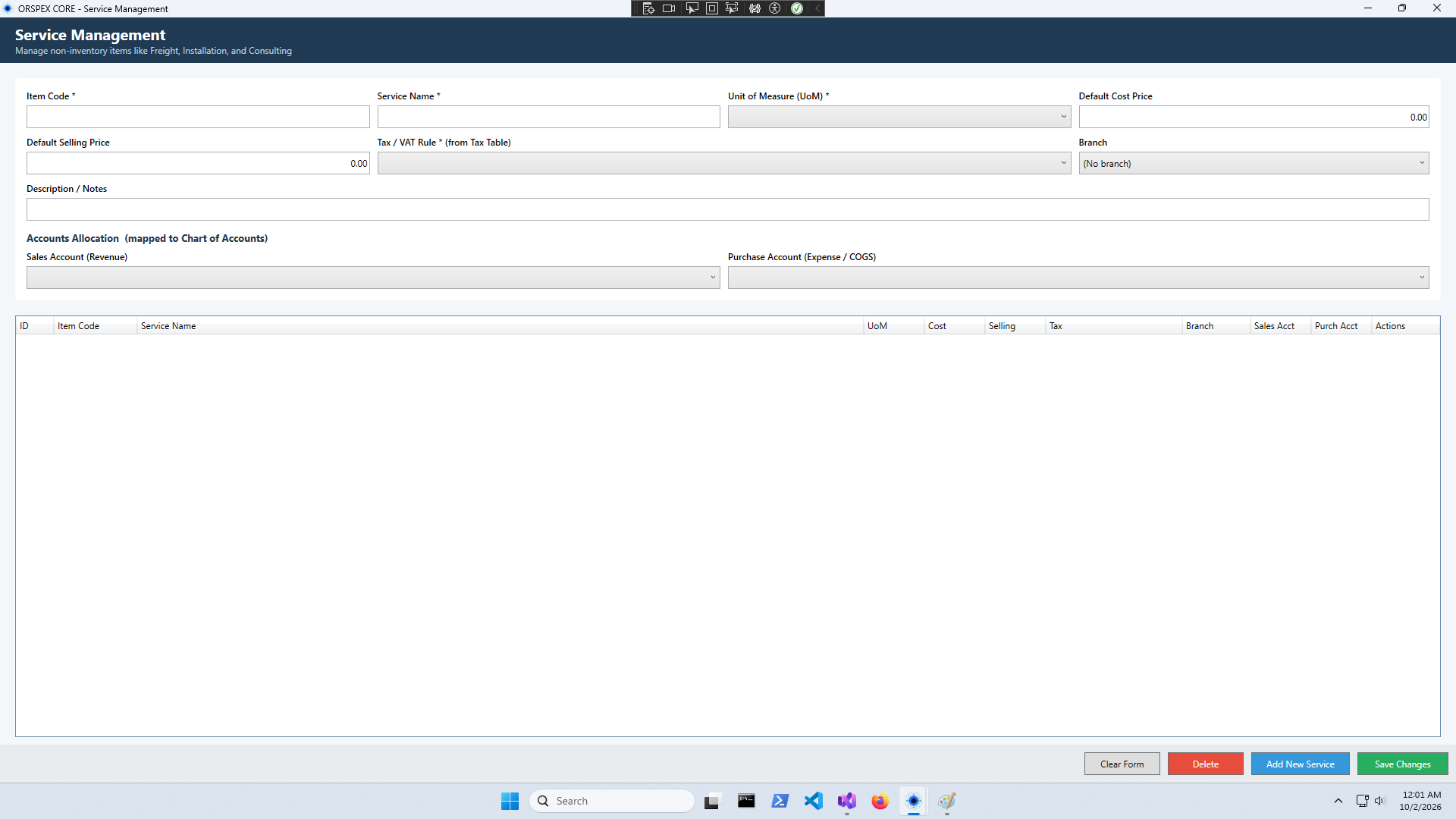
The complete offline ERP for small business. Accounting, inventory, manufacturing, sales, purchasing, and VAT — all in one Windows app.
Shrink PDFs online in your browser or offline with the Windows app. No uploads, no accounts, no limits — forever free.
Turn any image into a complete favicon set — favicon.ico, all PNG sizes, and a ready-to-drop site.webmanifest. Online in your browser, or offline with the Windows app.
A job board connecting job seekers with employers. Browse openings, apply in seconds, and track every application. Free for everyone.
From inventory to invoices, from manufacturing to VAT — all in one place.
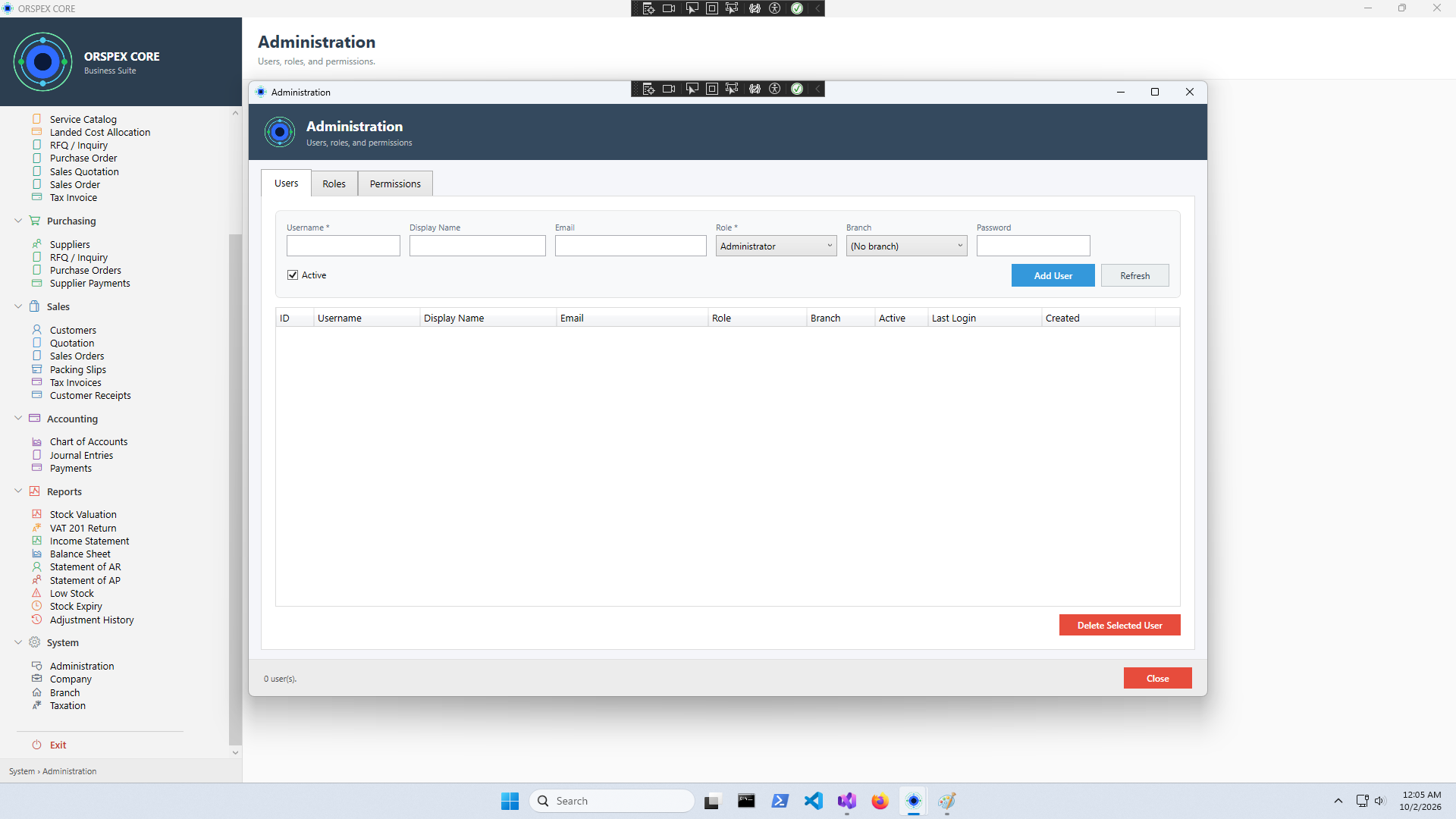
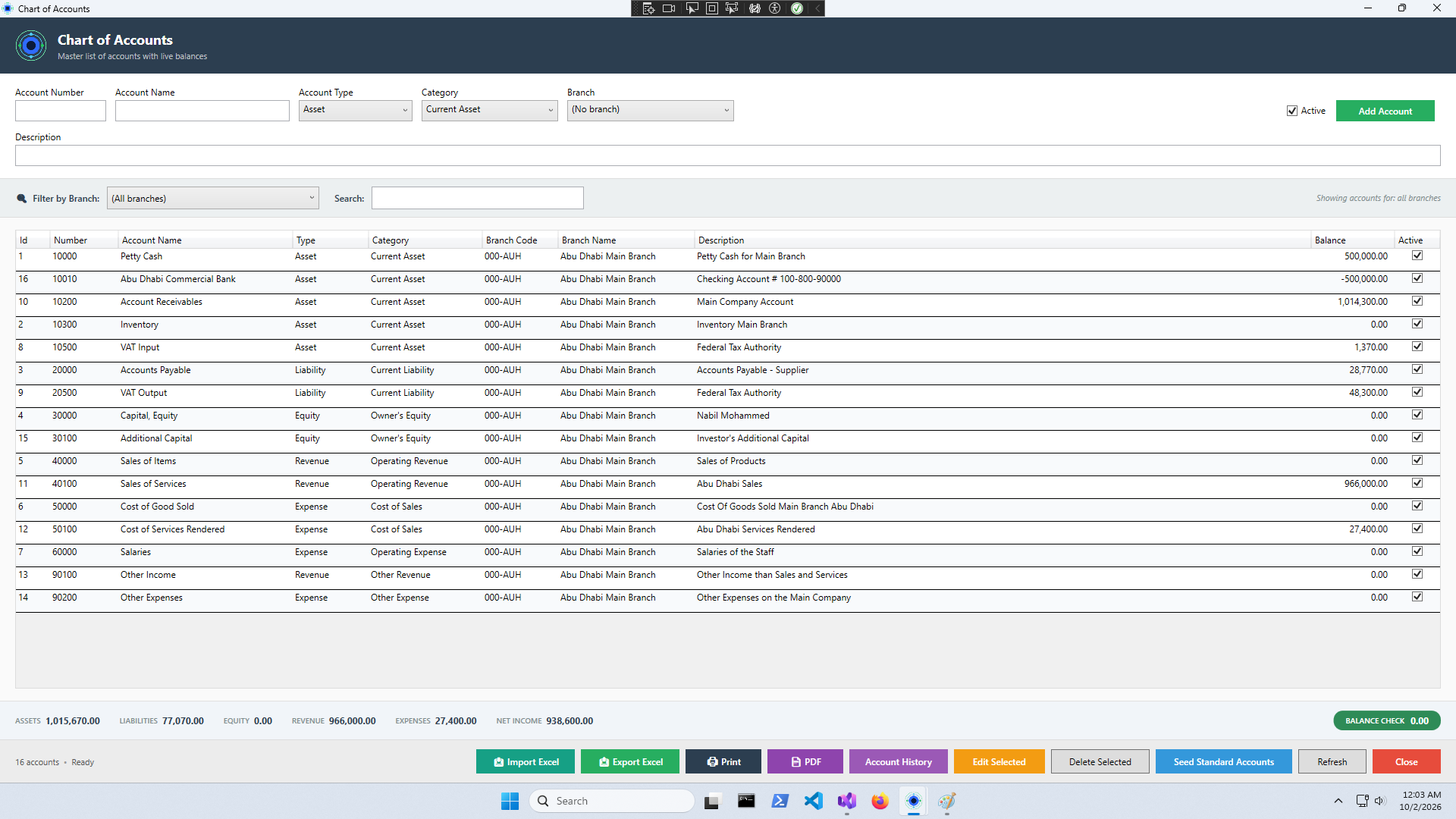
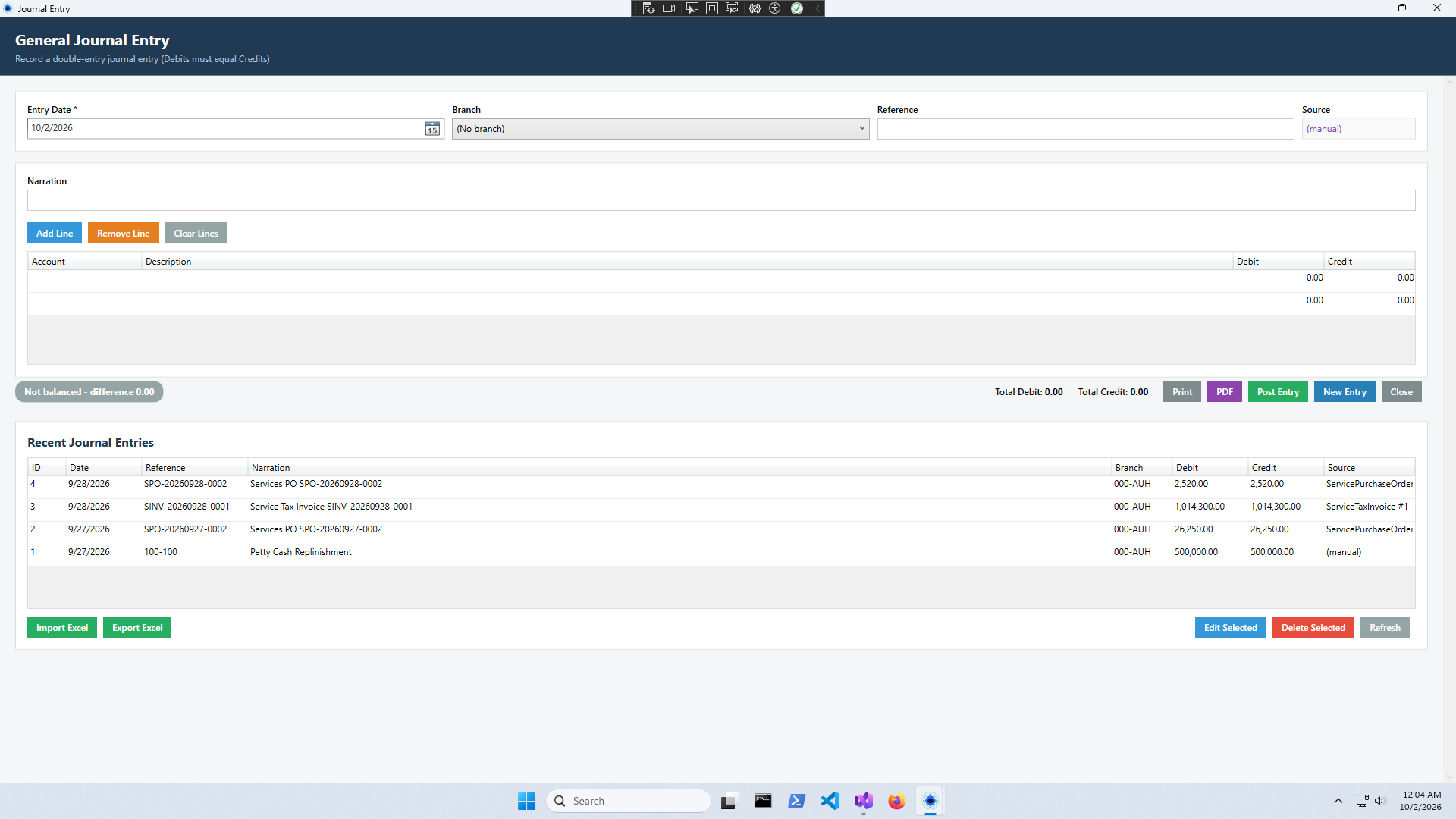
Double-entry bookkeeping with 45 pre-configured accounts. Journal entries, payments, banking, and reconciliation.
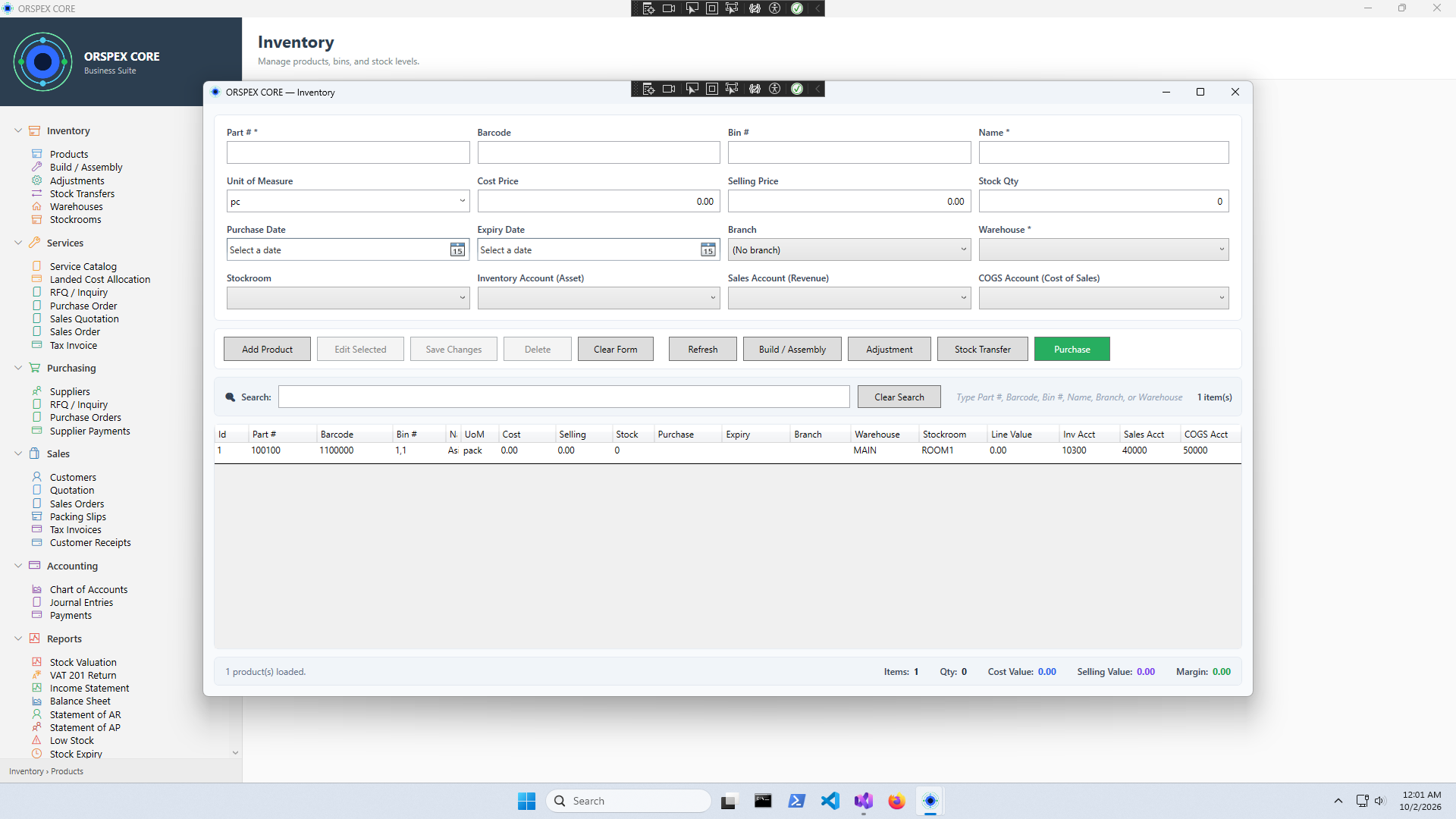
Multi-warehouse stock control with real-time tracking. Products, barcodes, adjustments, and transfers.
Bill of Materials (BOM), work orders, production tracking, and raw material consumption.
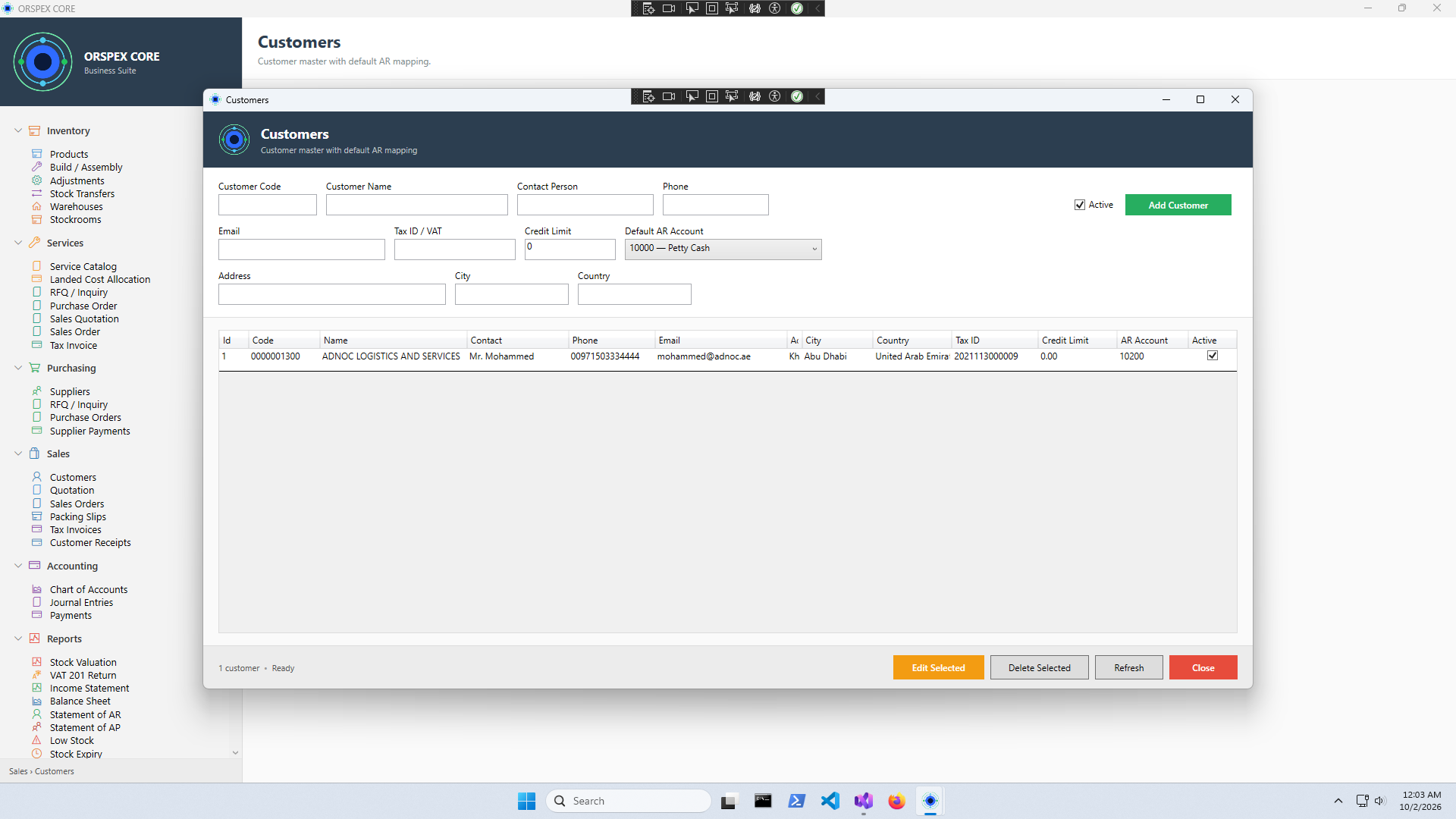
Customer management, quotations, sales orders, tax invoices, and customer receipts.
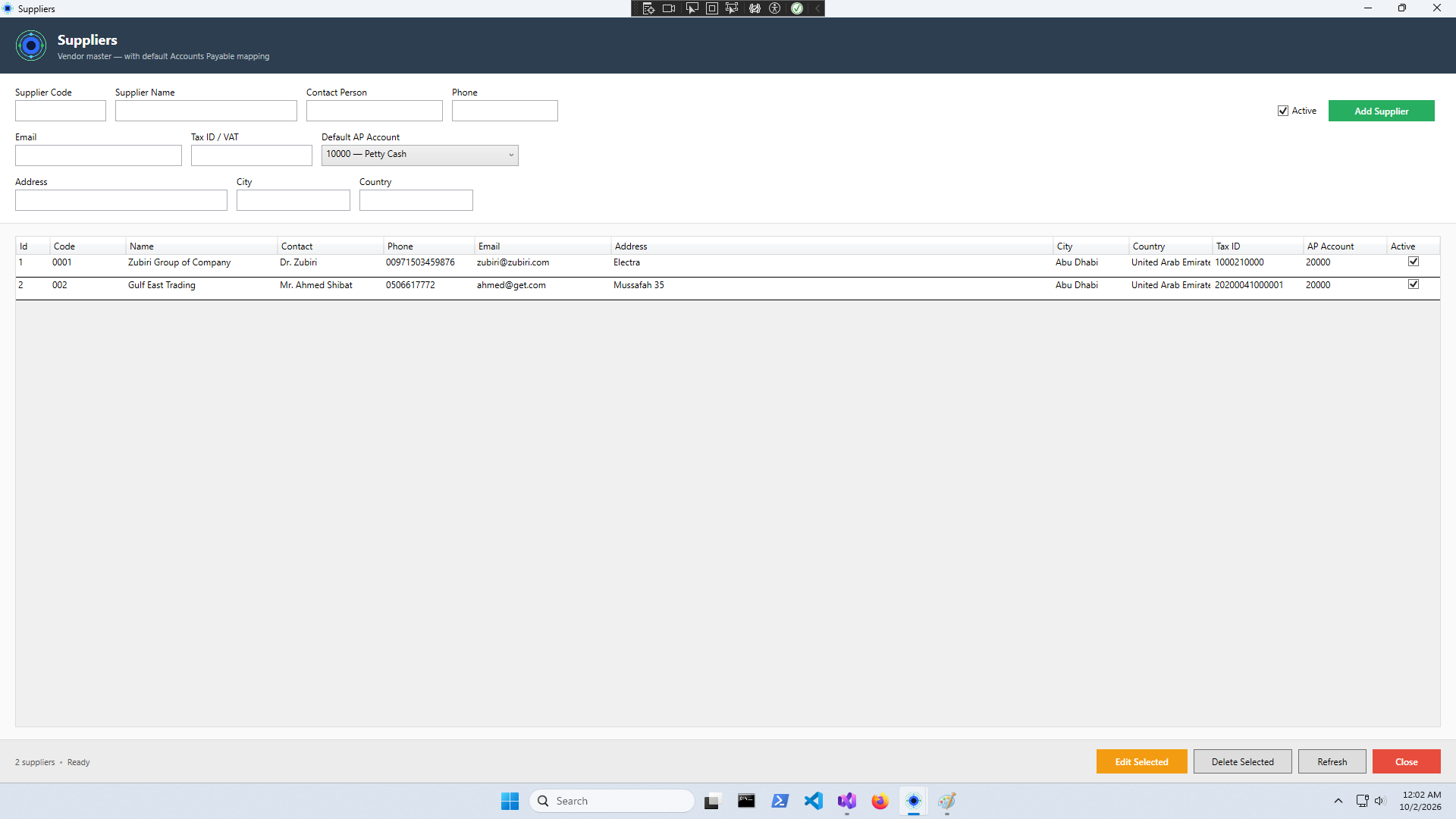
Supplier management, purchase orders, RFQs, and supplier payments.
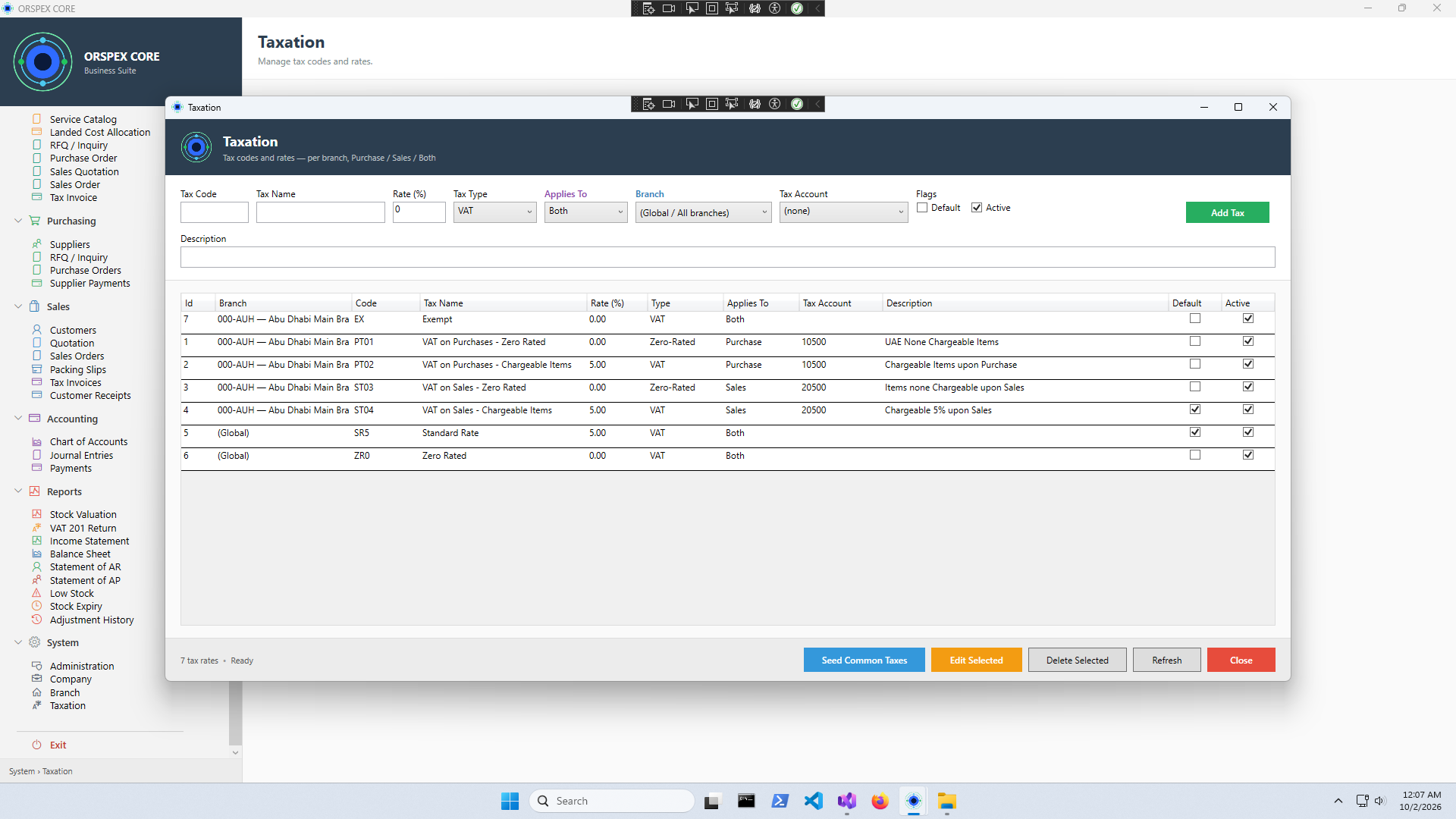
Configurable VAT rates for any country. Automatic input/output tracking.
VAT Return, Income Statement, Balance Sheet, AR/AP statements, real-time dashboards.
Runs on your PC. No server. No cloud subscription. Your data stays with you.
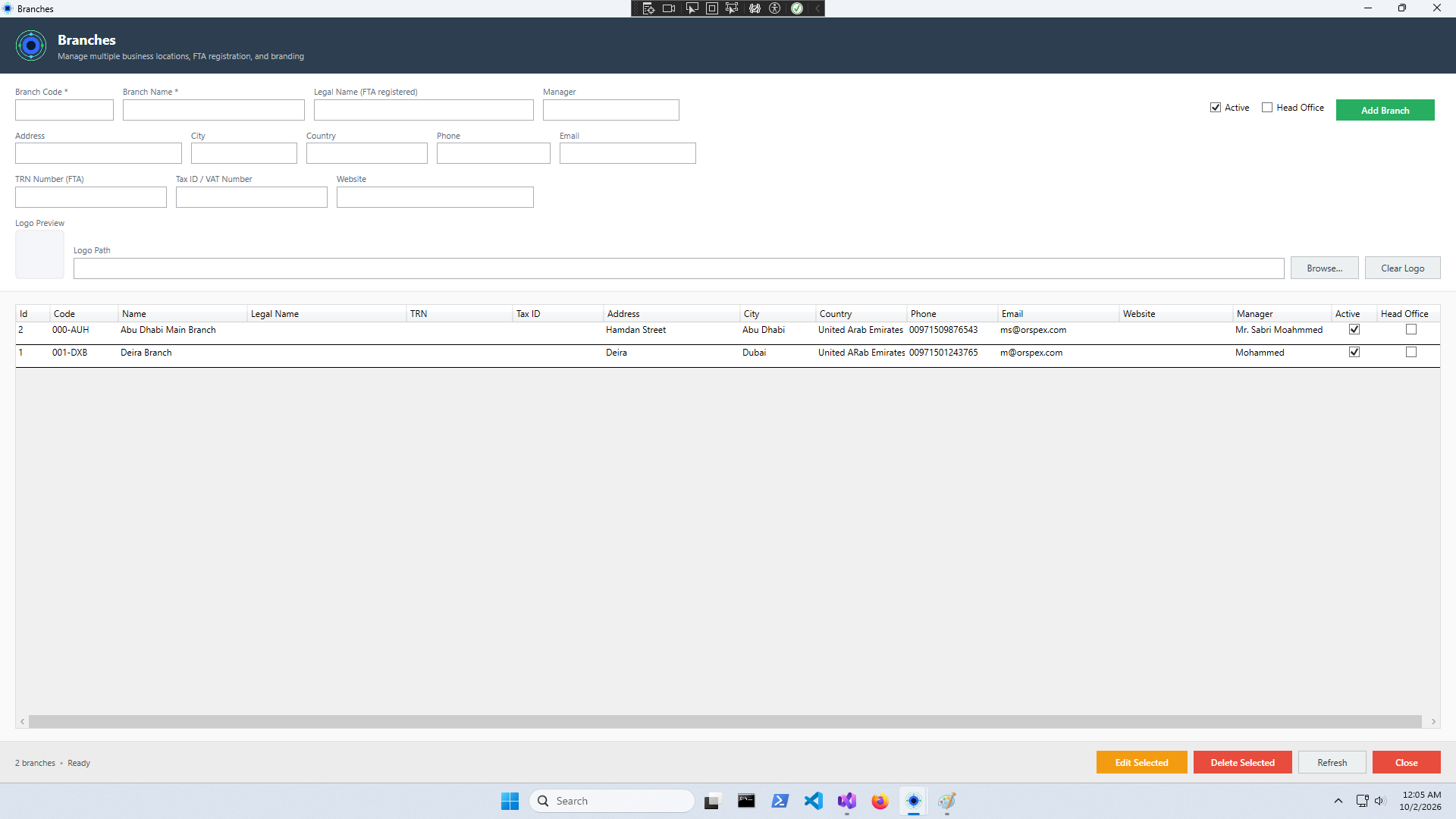
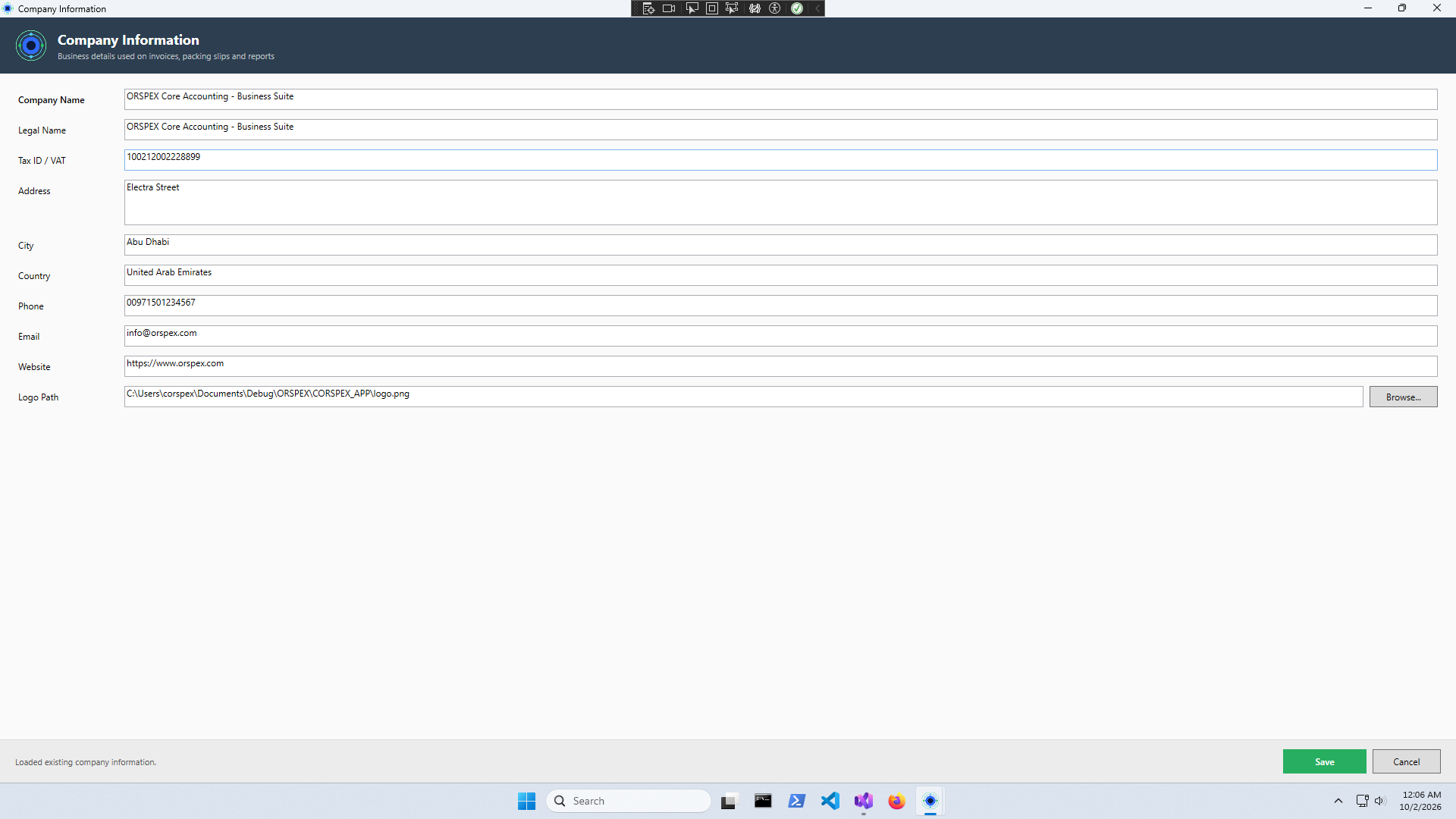
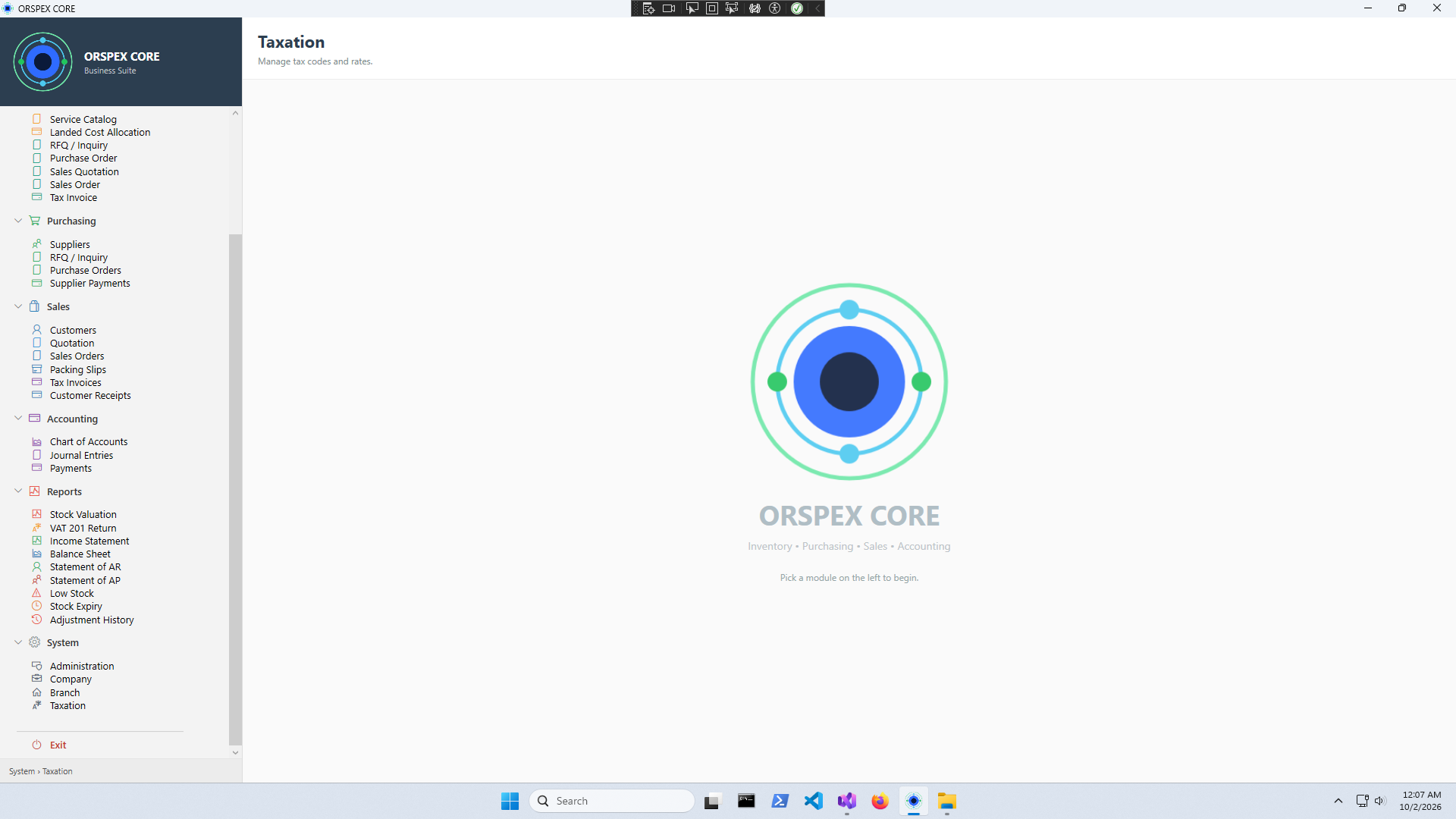
A complete business management suite — clean, modern, and built for growing businesses.


No monthly fees. No hidden costs. Pay once, use forever.
Every module. Unlimited branches and warehouses. Free updates for 12 months.
Two ways to shrink your PDFs — online in your browser or offline with the Windows app. Both free. Both private. Your files never leave your device.
Same file. Same content. A fraction of the size.
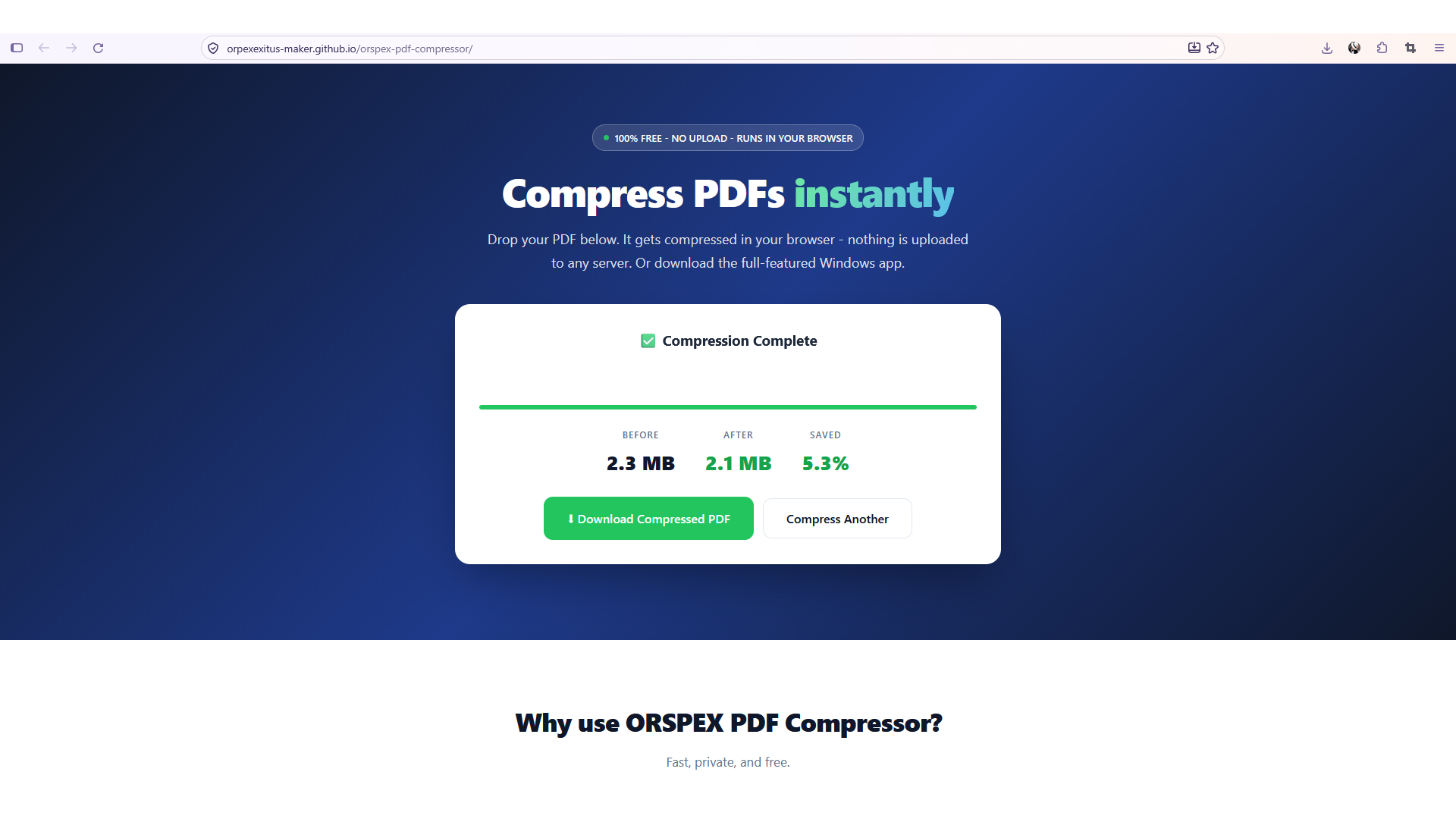
Compressed with ORSPEX PDF Compressor — same document, 65% smaller.
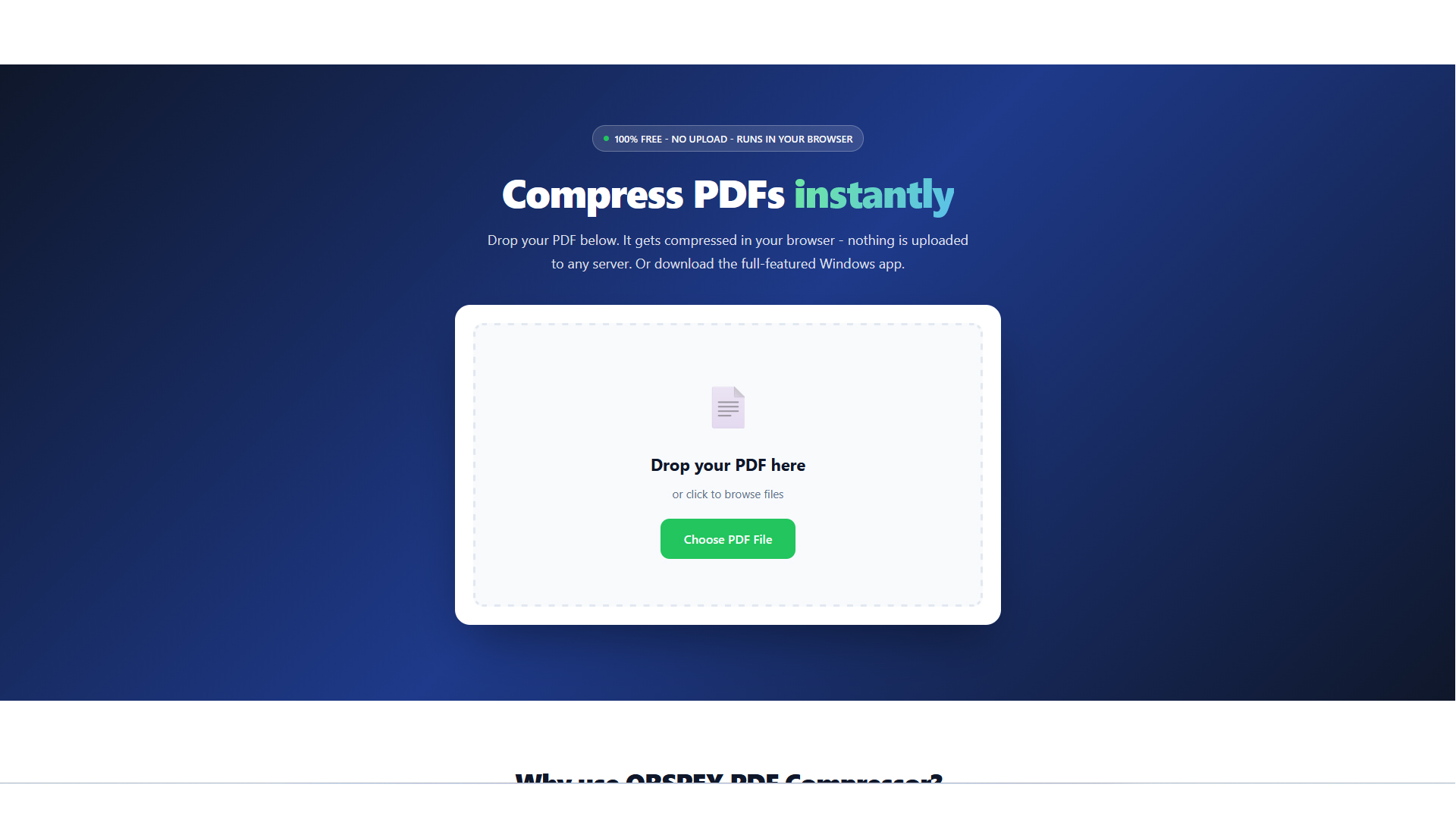
Drop a PDF and get it back compressed. Runs entirely in your browser using JavaScript. Nothing is uploaded to any server.
Full desktop tool powered by Ghostscript. Delivers the strongest compression — ideal for scanned or image-heavy PDFs.
Cut oversized PDFs down to a size that fits email, portals, and cloud uploads.
Choose from screen, ebook, print, or custom settings to match your needs.
Want "under 1 MB"? Enter the size and the app auto-tunes to reach it.
No uploads. No accounts. No tracking. Files never leave your device.
Run on one file or many — output appears right next to the original.
No internet required. Compress on a plane, in a meeting, or anywhere.
Shrink scanned drawings, RFIs, and submittals so they fit inside email and portal limits.
Compress pitch decks, storyboards, and press kits before sending to clients.
Convert oversized CAD exports into client-ready PDFs that open instantly.
Prepare court bundles and due-diligence files for secure sharing — no cloud.
Reduce the size of scanned theses, papers, and course packs for LMS uploads.
Send invoices, proposals, and reports without hitting attachment limits.
Open the browser version, or download the Windows app.
Browse to any PDF — scans, plans, decks, contracts, catalogs.
Use a preset, or set a target size and let it auto-tune.
Click Compress. Output appears next to your original. Nothing is uploaded.
Windows app requires Ghostscript installed (free).
Two free tools. Pick whichever fits the moment. Both give you smaller files, instantly.
Upload one image. Get favicon.ico, all PNG variants, and a ready-to-drop site.webmanifest. Both free. Both private. Your files never leave your device.
Drop your image and download the complete favicon bundle. Runs entirely in your browser using JavaScript. Nothing is uploaded to any server.
A tiny native Windows tool that produces a proper multi-resolution .ico. Under 1 MB. Zero runtime. Zero dependencies.
One upload — get favicon.ico, every PNG size, and a site.webmanifest ready to drop in.
16, 32, 48, 64, 128, and 256 pixels. Browsers, bookmarks, and OS pick the best fit automatically.
RGBA preserved end-to-end. Looks right on light and dark toolbars alike.
No uploads. No accounts. No tracking. Files never leave your device.
Windows app is under 1 MB and launches in milliseconds. Online tool loads in a blink.
No internet required for the Windows app. Generate favicons anywhere.
Drop a favicon set into any new site in seconds — no external tools or uploads.
Ship polished favicons alongside every new product launch and landing page.
Add a professional touch to WordPress, Shopify, or custom sites with one click.
Give your blog a crisp browser-tab icon that matches your brand.
Convert client logos to proper multi-size favicons without a single upload.
Batch-generate favicons for side projects with the offline Windows app.
Open the browser generator, or download the Windows app.
PNG, JPG, SVG, or WebP. Square images at 512×512 or larger work best.
One click produces the .ico, all PNG sizes, and the manifest.
Copy the files to your web root and add the standard link tags.
Two free tools. Pick whichever fits the moment. Both give you a complete favicon set, instantly.
A job board connecting job seekers with employers. Browse openings, apply in seconds, and track every application. Free for seekers and employers — no signup fees, no subscriptions.
Browse real openings, apply quickly, and keep track of every role you've applied for — all in one place.
Post your openings, reach qualified candidates, and manage applications without expensive job-board fees.
See real roles from real employers — searchable and filterable by role, location, and type.
A streamlined apply flow that respects your time. No lengthy forms, no repeated entry.
Every application you submit is logged so you always know where things stand.
Employers can list jobs for free — no listings fees, no paid tiers.
Works on any modern device. No app to install, nothing to download.
Reach out to employers or candidates without an intermediary.
Find entry-level roles and internships that match your skills and location.
Discover new opportunities without leaving your current role.
Post openings without expensive job-board subscriptions.
Hire your first team members quickly and affordably.
Explore roles outside your current industry with a single search.
Filter for remote-friendly openings from anywhere.
Head to ORSPEX Jobs in your browser — no install needed.
Seekers search openings. Employers list roles for free.
Apply in seconds, or review incoming applications.
Every action is logged so nothing slips through.
ORSPEX Jobs is free for both job seekers and employers. Open the board and get started in seconds.
Everything you need to know about ORSPEX products.
No. It's a one-time purchase of $50. You own the software forever and receive free updates for 12 months.
Yes. It runs entirely on your Windows PC with no internet connection required.
Yes. Completely free, no trial, no watermark, no signup. Use it online in your browser or download the Windows app.
Yes. Orspex Jobs is free for both job seekers and employers. Browse openings, apply in seconds, and track every application — no signup fees, no subscriptions.
The online version runs entirely in your browser. The Windows app uses Ghostscript for maximum compression on scanned and image-heavy PDFs.
The online version runs in your browser and produces favicon.ico plus PNG variants and a site.webmanifest. The Windows app is a tiny native tool that writes a proper multi-resolution .ico with full transparency.
Yes. The Windows app includes a target-size mode. Enter 1 MB and the app automatically finds the best settings.
We offer a 30-day money-back guarantee on ORSPEX Business Suite — no questions asked. See our Refund Policy for full details.
Our desktop software runs entirely offline — we don't collect any data from your installations. Our website uses anonymized Google Analytics only. See our Privacy Policy for details.
ORSPEX Business Suite v1.0.0 for Windows 10 / 11 (64-bit). Instant download after purchase.
Buy Suite on Gumroad — $50We reply within 24 hours — usually faster.